
COMMUNITY LAUNCH / Images & photos
BeautifulScreenshots
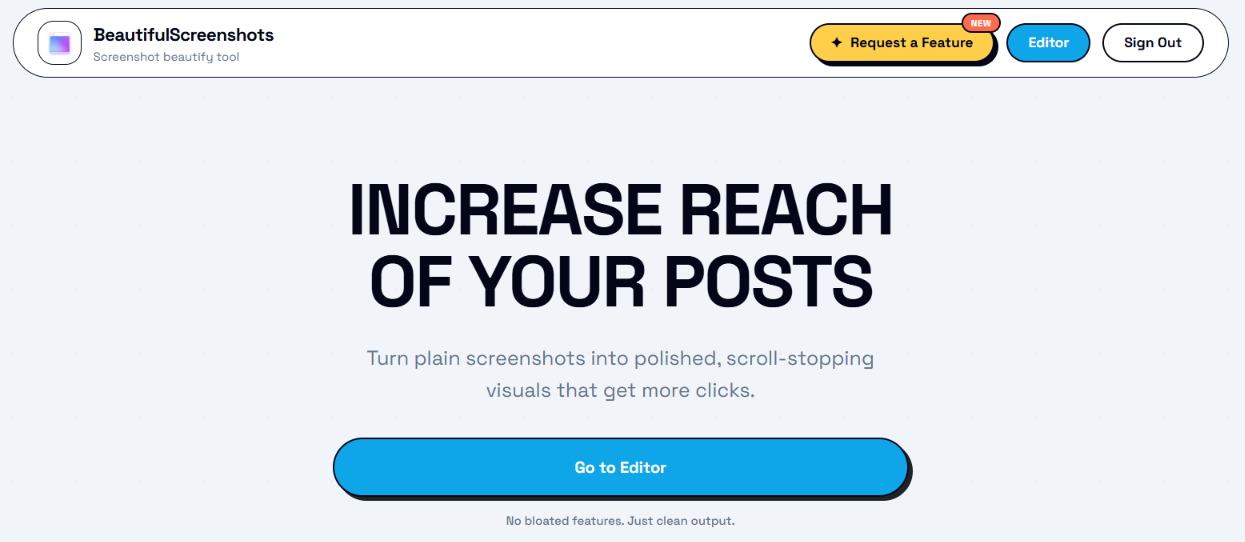
Turn plain screenshots into polished, scroll-stopping visuals
About BeautifulScreenshots
BeautifulScreenshots is a screenshot beautifier that turns plain screenshots into polished visuals. Upload a screenshot, add spacing, padding and background in one flow, then export visuals for posts. Includes a before and after comparison, watermark controls and a 7-day free trial with no card required. Lifetime access is offered as a one-time payment rather than a subscription, with a limited-time launch price shown on the website.
Also listed in Social media, Design
Key features
- Upload a screenshot onto a clean canvas
- Add spacing, padding and background in one flow
- Before and after comparison slider
- Watermark on, off or custom text
- Preset backgrounds, with custom background upload on paid plan
Use cases
- Making screenshots more eye-catching for social posts
- Preparing product screenshots for marketing
- Presenting app or website visuals in a polished way
FAQ
Is there a free plan?
The website offers a 7-day free trial with no card required. Free users can pick preset backgrounds; paid users can upload their own background image.
Is this a subscription?
No. The website states it is a one-time payment with lifetime use.
Can I remove the watermark?
The website says watermark controls let you keep it on, turn it off or use custom text.
Parth Bhovad
@ParthBhovad on X ↗Built the product because screenshot editing should feel fast.
Founder details supplied with this listing. Identity is not independently verified.What has been checked
BeautifulScreenshots turns plain screenshots into polished images for social posts, with a 7-day free trial and no card required. Lifetime access is a one-time payment, currently listed at a launch price of $7 that is expected to rise to $17.
Last checked: 2026-11-06. Read the notes for the scope of the review.
Community discussion
Add a comment ↗No comments yet. Ask a question or share what you would like to know.